
The WP Plugin Info Card block is essentially a wrapper for the wp-pic shortcode.
When first inserting the block, you’ll be presented with entering a type and plugin slug.
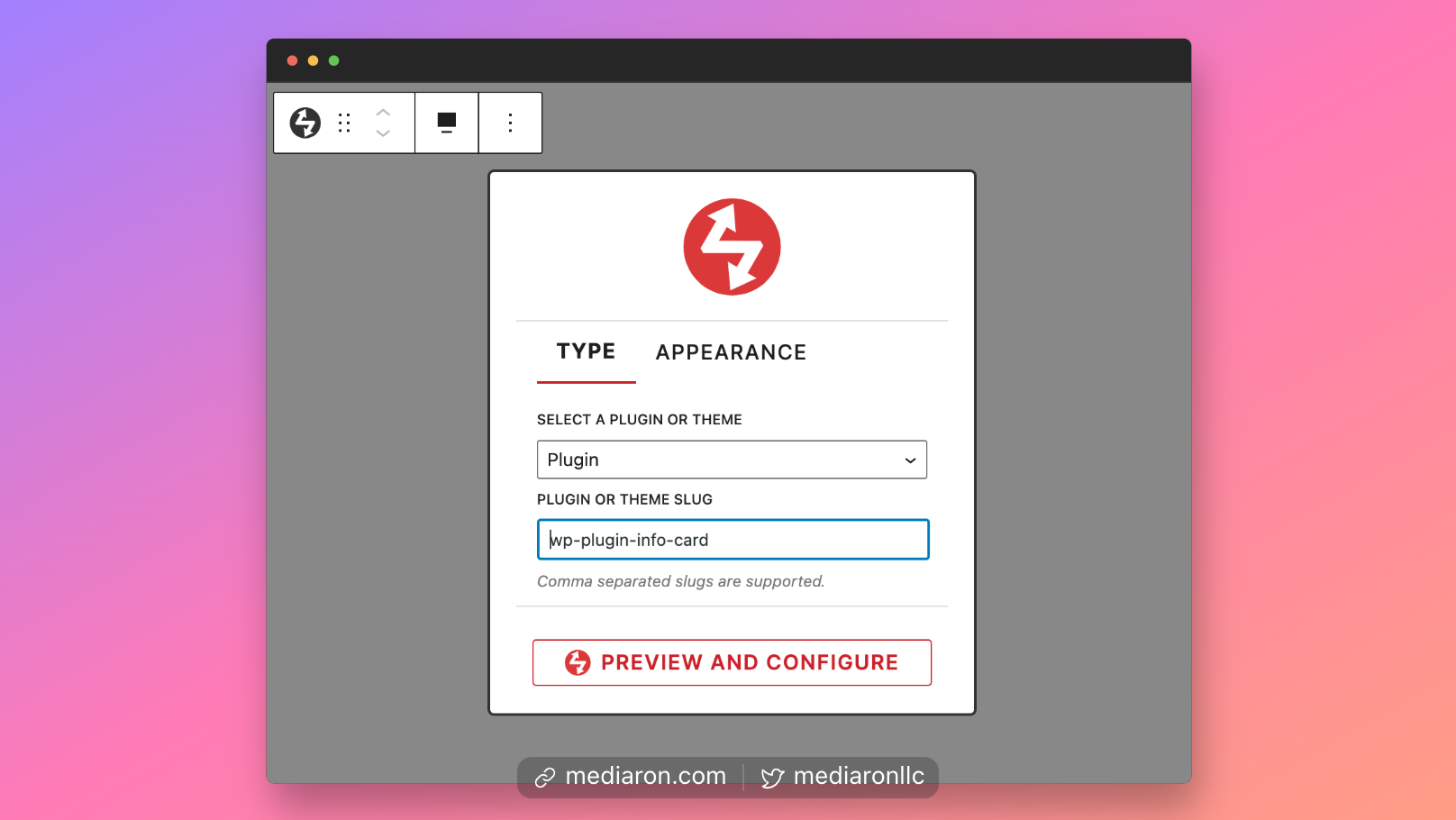
Configure the Plugin Info Card Block
The slug can be comma-separated if you would like to display more than one plugin or theme at a time.
Switching to the Appearance tab will allow you to select a layout and a scheme.
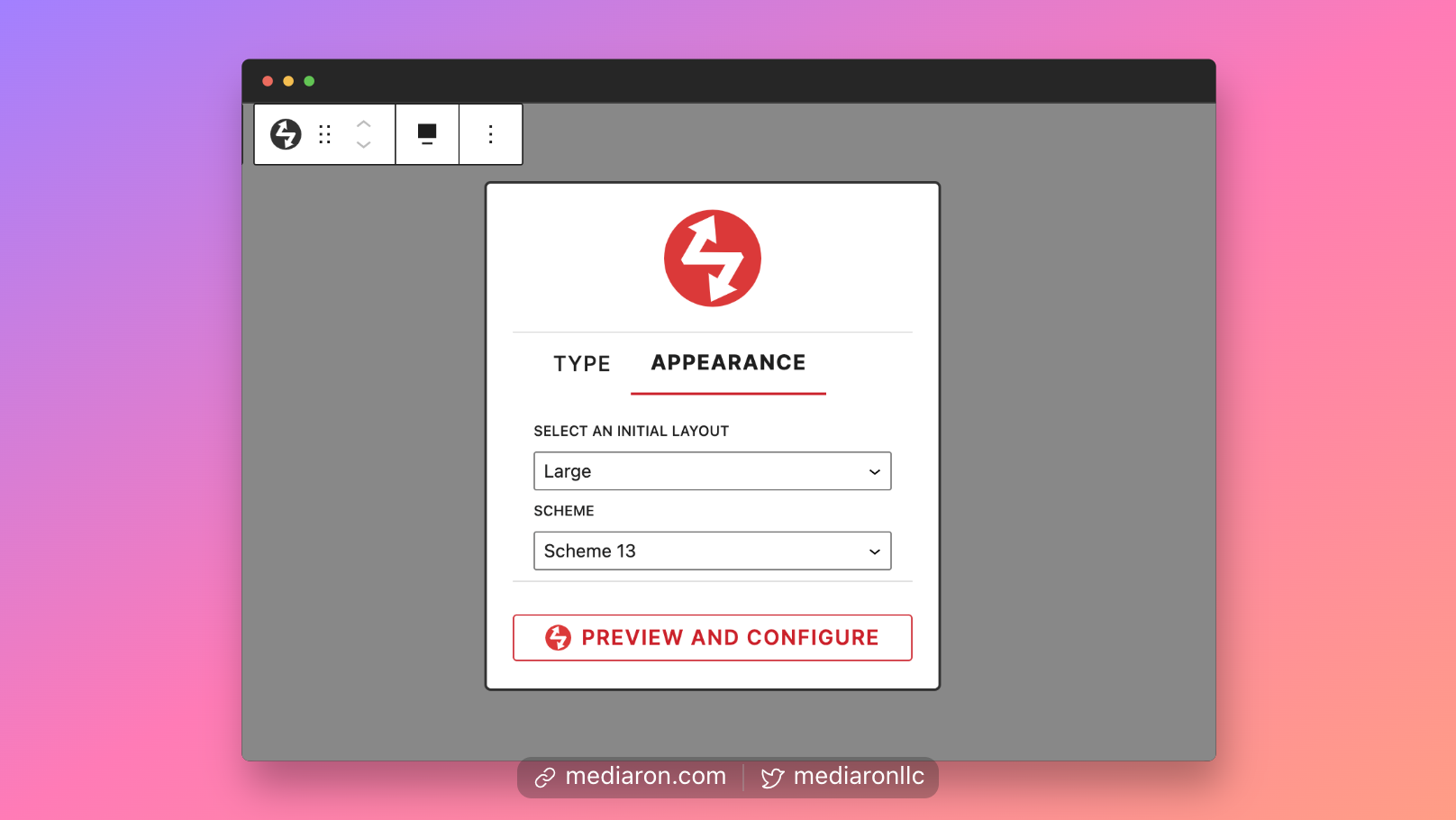
Configure the Plugin Layout and Scheme
Once you’ve selected a slug and layout, you can click on Preview and Configure. This will reveal an info card for a plugin or theme.
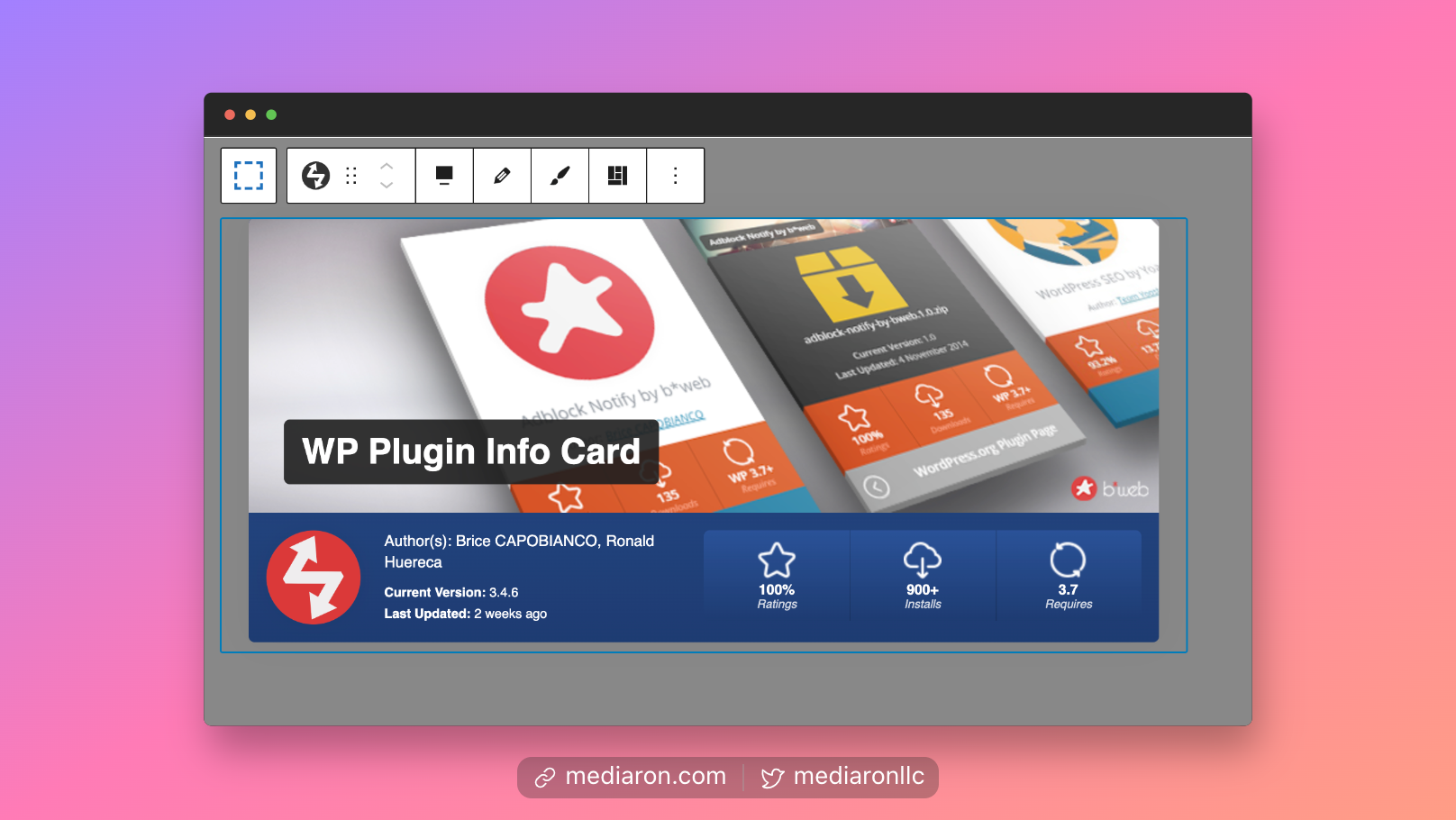
See a Preview of the Plugin Info Card Plugin
From the block’s toolbar menu, you can edit the scheme and layout of the info card.
Finally, you can also set the layout/scheme in the sidebar options as well.
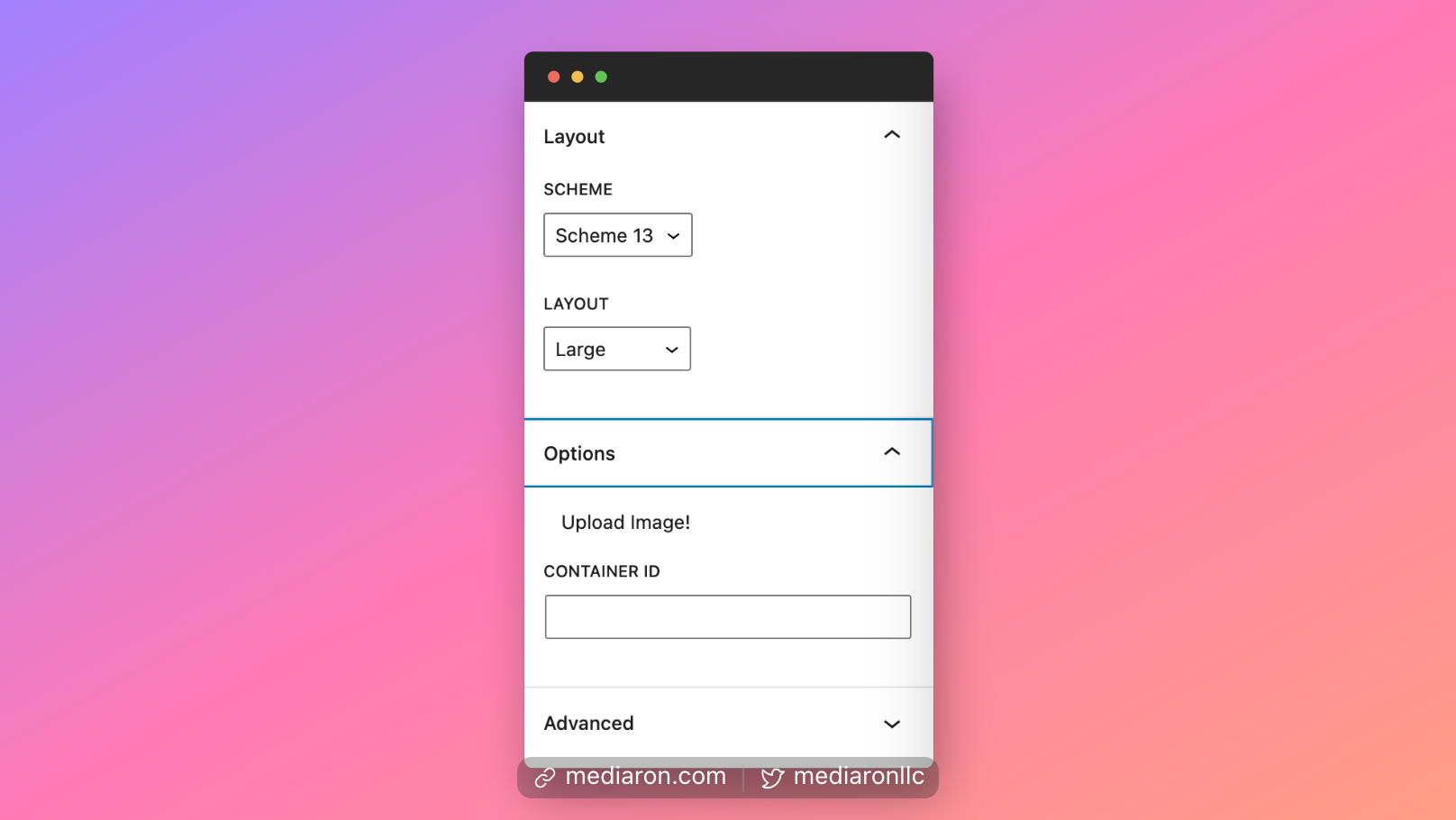
Change the Color Scheme in the Sidebar Options
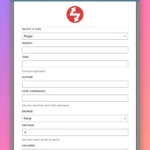 WP Plugin Info Card Query Block
 The GitHub Info Cards Block
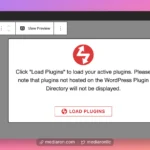 Site Plugins Card Grid
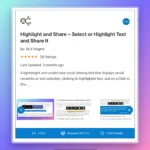 Plugin Screenshots Info Card
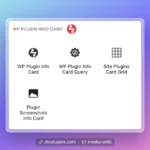 Finding the Blocks
 Badges Block