
By default, GitHub Info Cards are disabled. This is because they require a GitHub Personal Access Token to gather repository information.
Navigate to the Admin Settings and Choose GitHub Info Cards
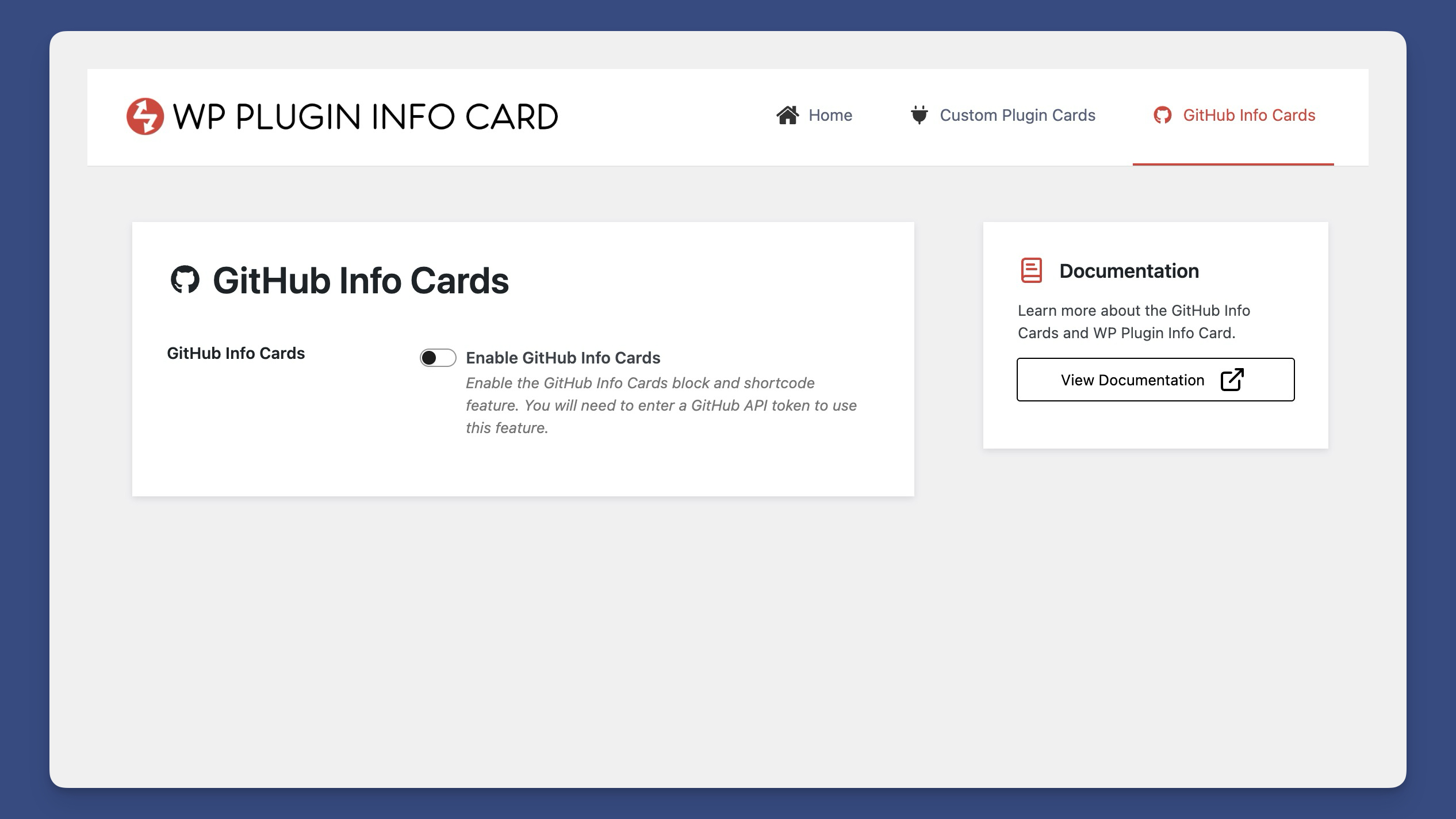
GitHub Info Cards Admin Setting Options
Navigate to the admin settings and locate the GitHub Info Cards section.
Enable GitHub Info Cards and Add a GitHub Personal Access token.
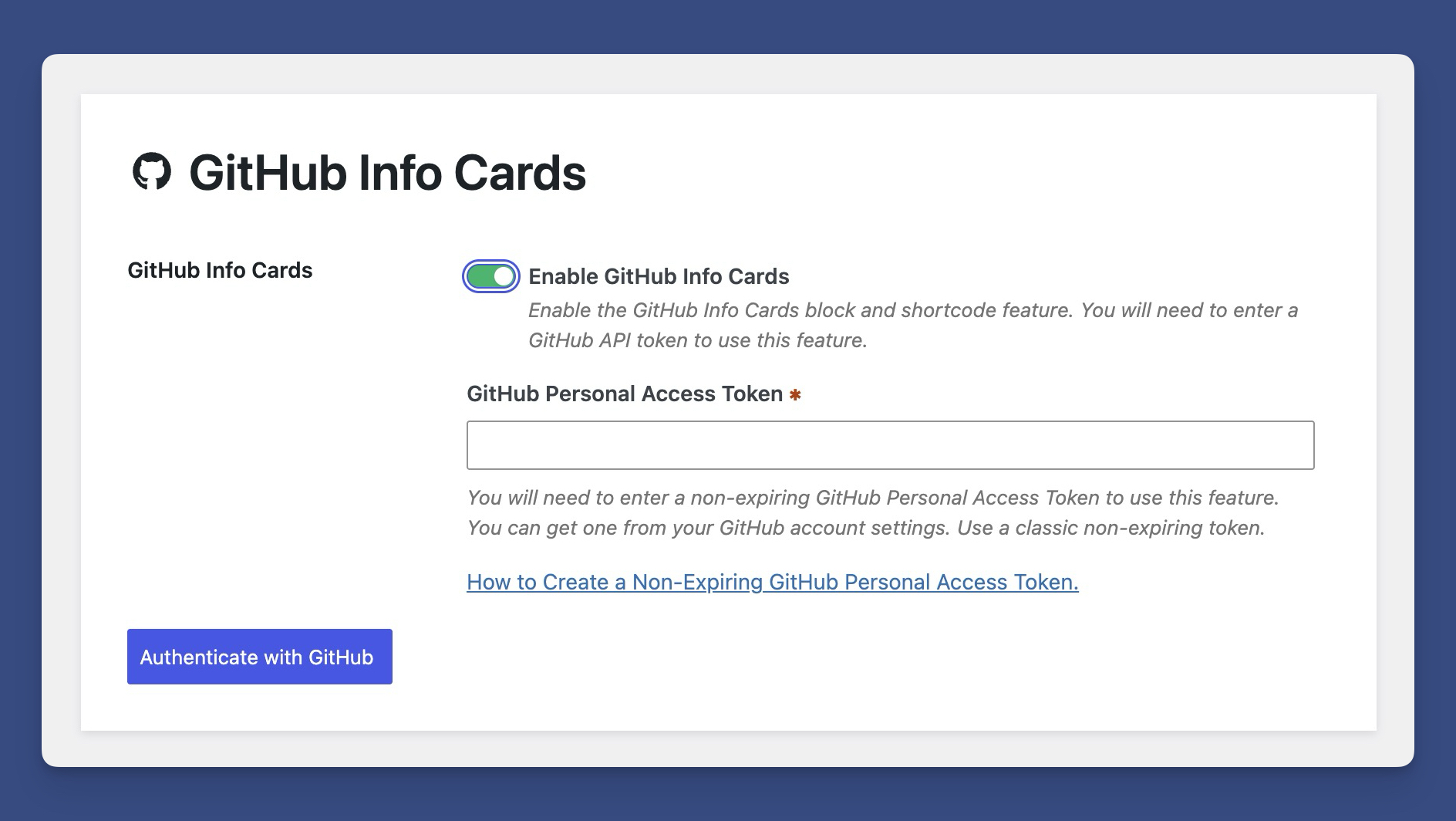
Enabling the GitHub Personal Access Token
When prompted, enter your GitHub Personal Access Token. Here’s an article on how to retrieve a non-expiring GitHub personal access token.
If successful, you will be shown your current rate limit.
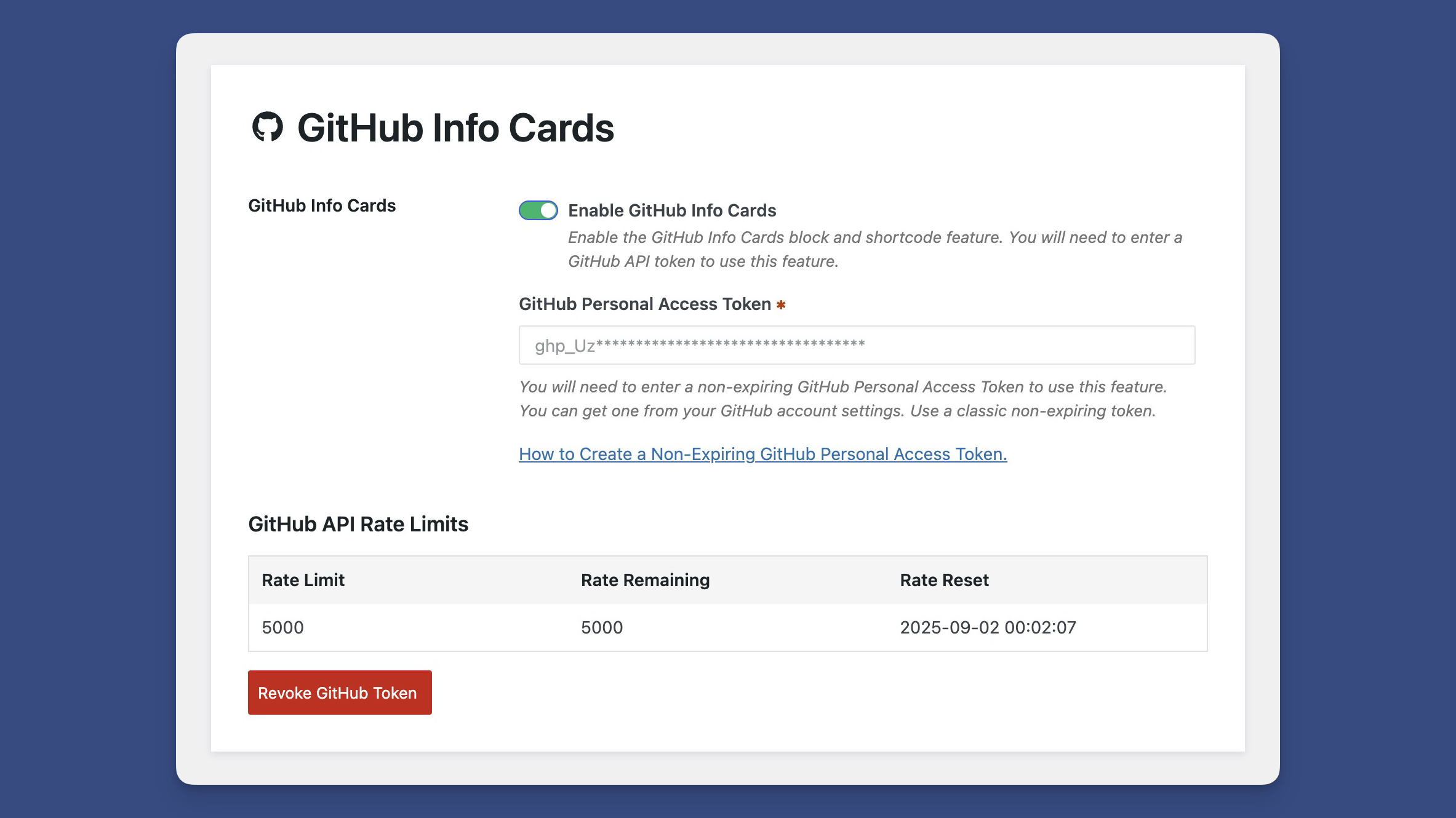
GitHub Token Statistics
You’ll now be able to use the GitHub Info Cards block and shortcode.
 Schemes
 Layouts
 GitHub Info Cards
 Easy Digital Downloads Integration
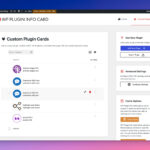 Custom Plugin Cards