
Install from the WordPress Admin
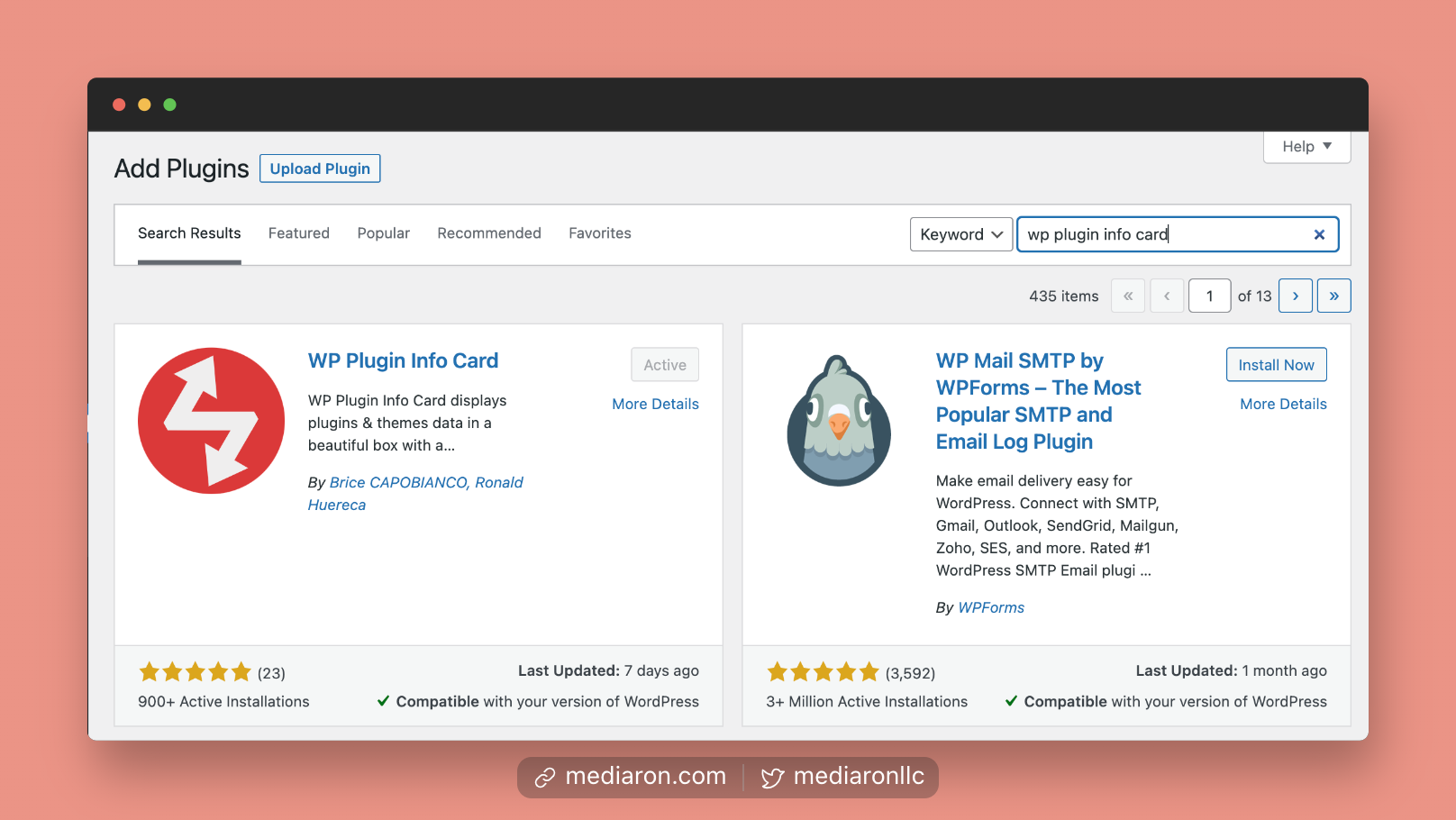
Plugins Screen in WordPress
- Log into your WordPress admin (i.e., your dashboard)
- Go to Plugins->Add New
- Type in WP Plugin Info Card
- Install the plugin
- Activate the plugin
After activation, you will be taken to the plugin’s settings screen.
 Finding the Admin Settings