
Enabling GitHub Info Cards
By default, GitHub Info Cards are disabled. This is because they require a GitHub Personal Access Token to gather repository information.
Navigate to the Admin Settings and Choose GitHub Info Cards
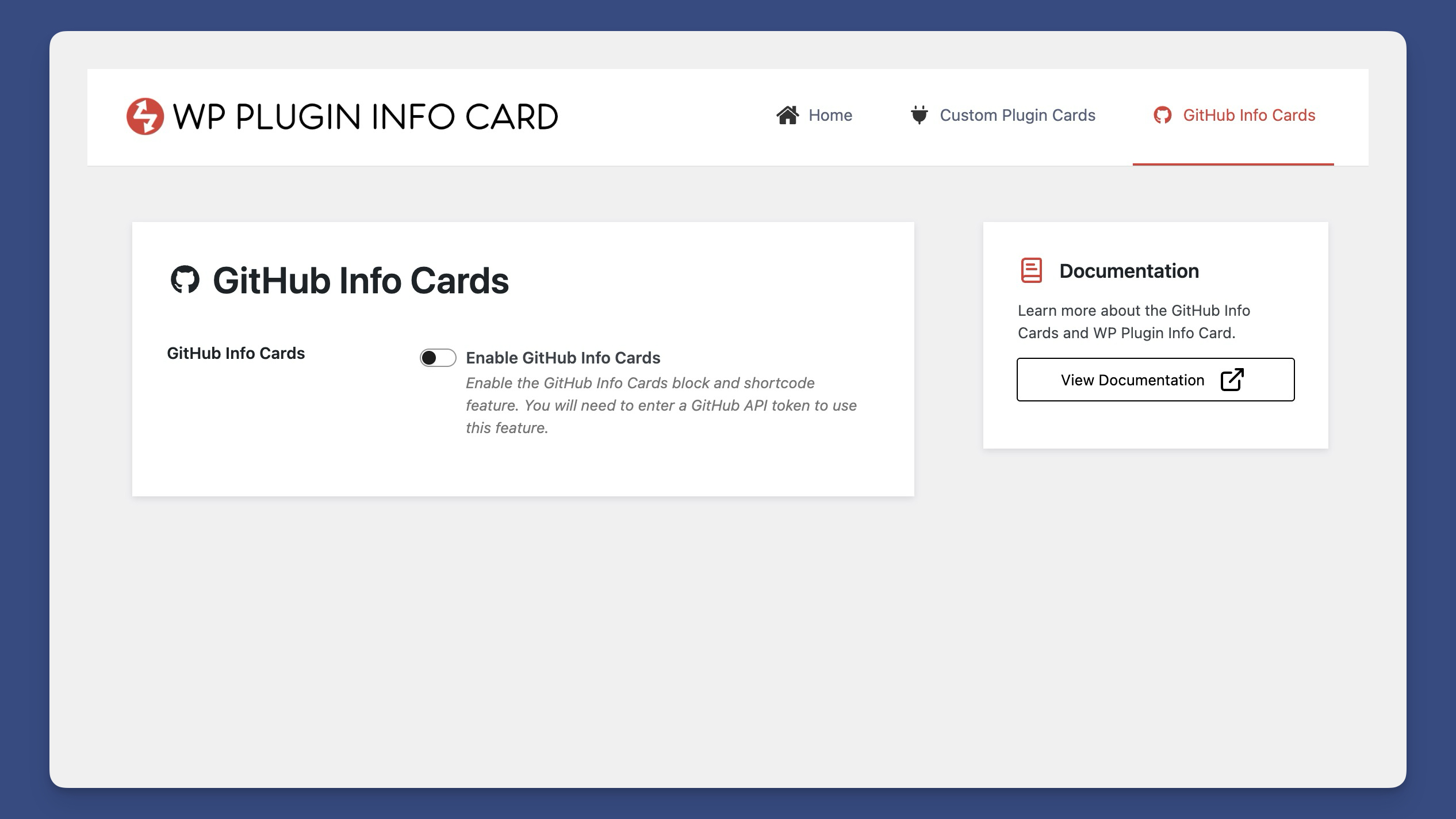
Navigate to the admin settings and locate the GitHub Info Cards section.
{% content-ref url=”../../getting-started/finding-the-admin-settings.md” %} finding-the-admin-settings.md {% endcontent-ref %}
Enable GitHub Info Cards and Add a GitHub Personal Access token.
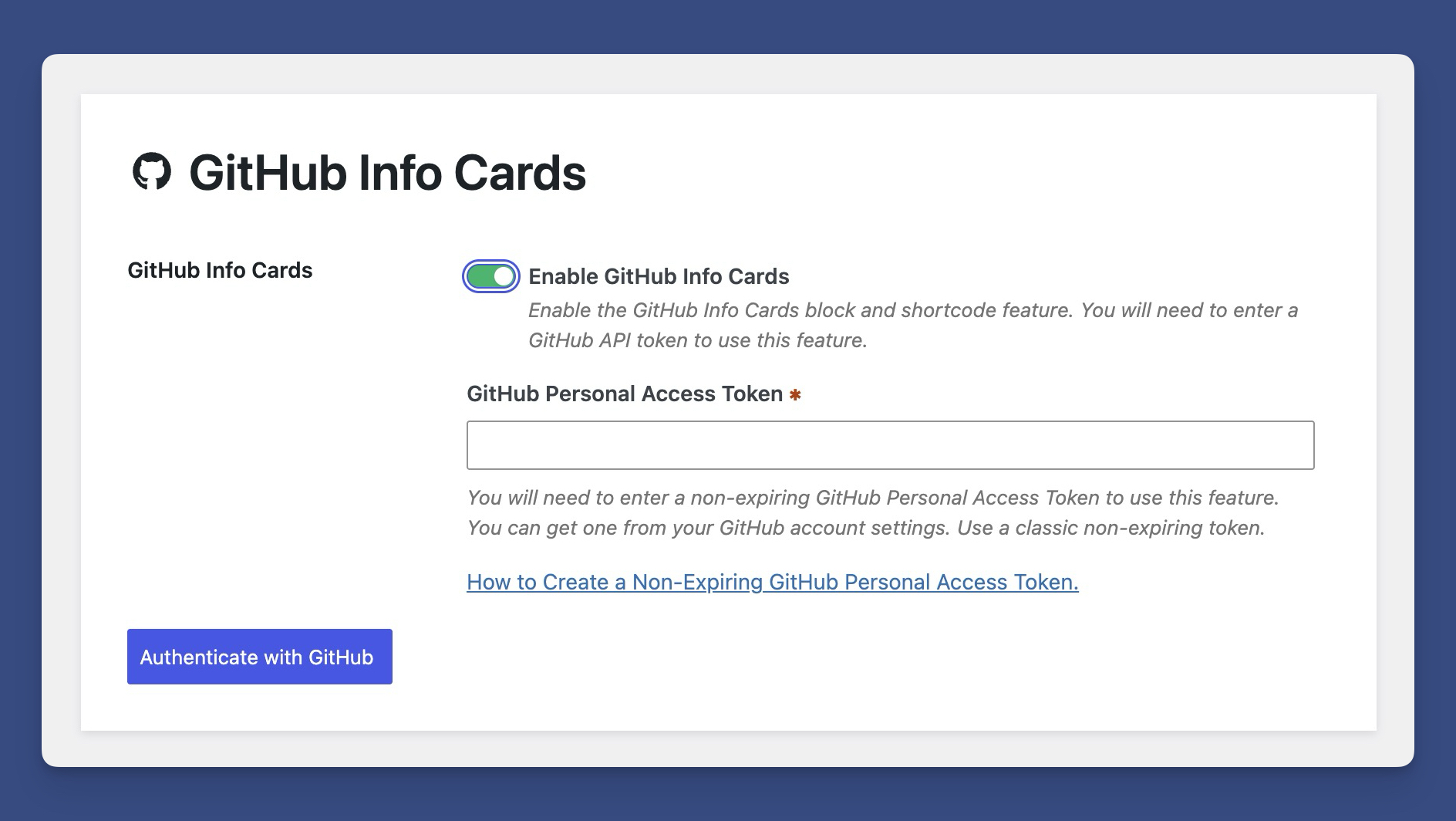
When prompted, enter your GitHub Personal Access Token. Here’s an article on how to retrieve a non-expiring GitHub personal access token.
If successful, you will be shown your current rate limit.
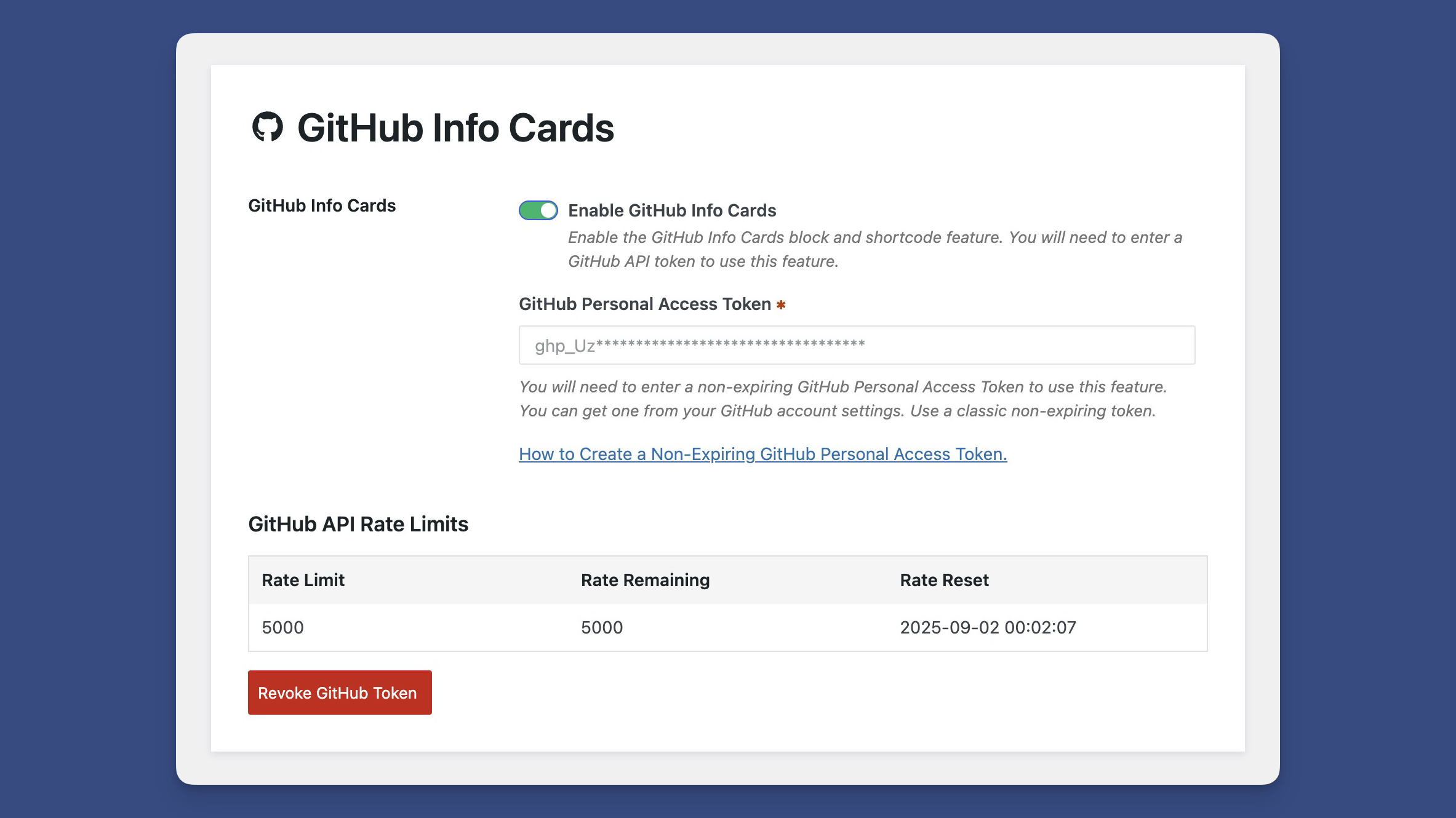
You’ll now be able to use the GitHub Info Cards block and shortcode.
{% content-ref url=”../../shortcodes/github-info-card.md” %} github-info-card.md {% endcontent-ref %}
{% content-ref url=”../../blocks/the-github-info-cards-block.md” %} the-github-info-cards-block.md {% endcontent-ref %}
 Schemes
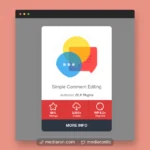 Layouts
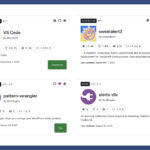 GitHub Info Cards
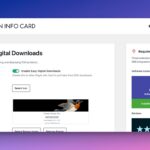 Easy Digital Downloads Integration
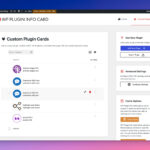 Custom Plugin Cards