You can find the Inline Highlighting panel under the Content Sharing tab in the admin settings.
{% content-ref url="../getting-started/finding-the-plugins-settings" %}
[finding-the-plugins-settings](https://docs.dlxplugins.com/highlight-and-share/getting-started/finding-the-plugins-settings)
{% endcontent-ref %}
You're able to:
* Enable or disable inline highlighting.
* Change the highlight's background color and hover background color.
* Change the highlight's text color and hover text color.
* Enable the Inline Highlighting tooltips.
### Adjusting the Highlight Colors
Adjust the Highlight Colors With a Preview Below
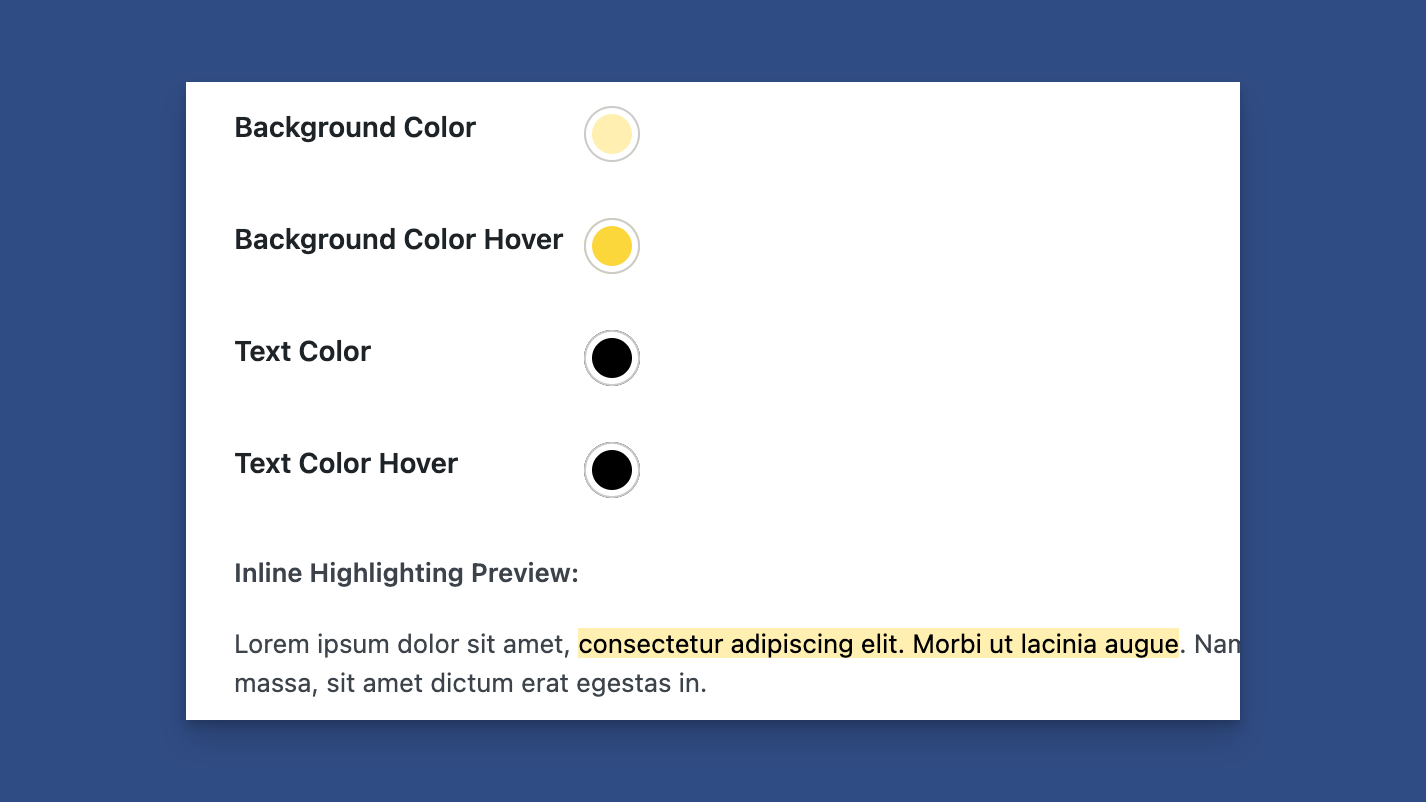
You can change the highlight color when highlighting text. You can change the:
* Background color
* Background hover color
* Text color
* Text color on hover
A preview is below the colors, showing how the highlight will look on the frontend.
### Showing a Tooltip on Hover
Show Tooltips When Hovering Over a Highlight
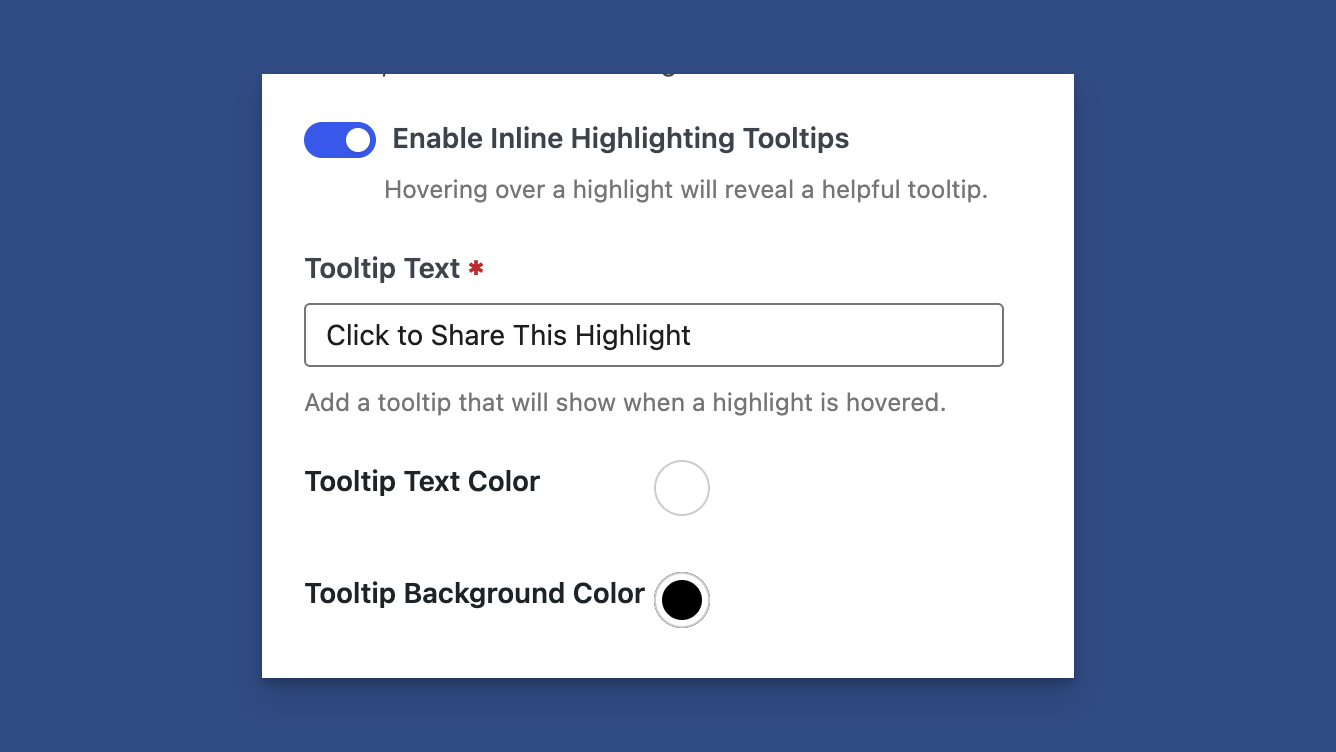
You can enable a tooltip for inline highlighting when someone hovers over a highlight. Within this section, you can:
* Change the tooltip text.
* Adjust the tooltip background color.
* Adjust the tooltip text color.
Example Tooltip on an Inline Highlight
As shown in the image above, when hovering over a highlight, a tooltip displays instructions for the user.