
The wp-pic shortcode can be used to display a single or multiple plugins. See below for the shortcode parameters.
Example shortcode:
[wp-pic slug="simple-revisions-delete" layout="large" scheme="scheme1" align="right" margin="0 0 0 20px" containerid="download-sexion" ajax="yes"]// Some codeCode language: JSON / JSON with Comments (json)type
Can be of type plugin or theme. Type plugin is default.
[wp-pic type="theme" slug="zerif-lite"]Code language: JSON / JSON with Comments (json)slug
The slug (required) parameter can be a single or comma-separated string of plugin slugs.
[wp-pic slug="wp-plugin-info-card"]Code language: JSON / JSON with Comments (json)Comma-separate the slugs to be in multi mode, which will output multiple plugins.
[wp-pic slug="highlight-and-share,simple-comment-editing" multi="true" cols="2" col_gap="40" row_gap="40"]Code language: JSON / JSON with Comments (json){slug}={title}
A slug can be set in the shortcode attributes to override the title.
Simply use the plugin or theme slug in the shortcode attributes.
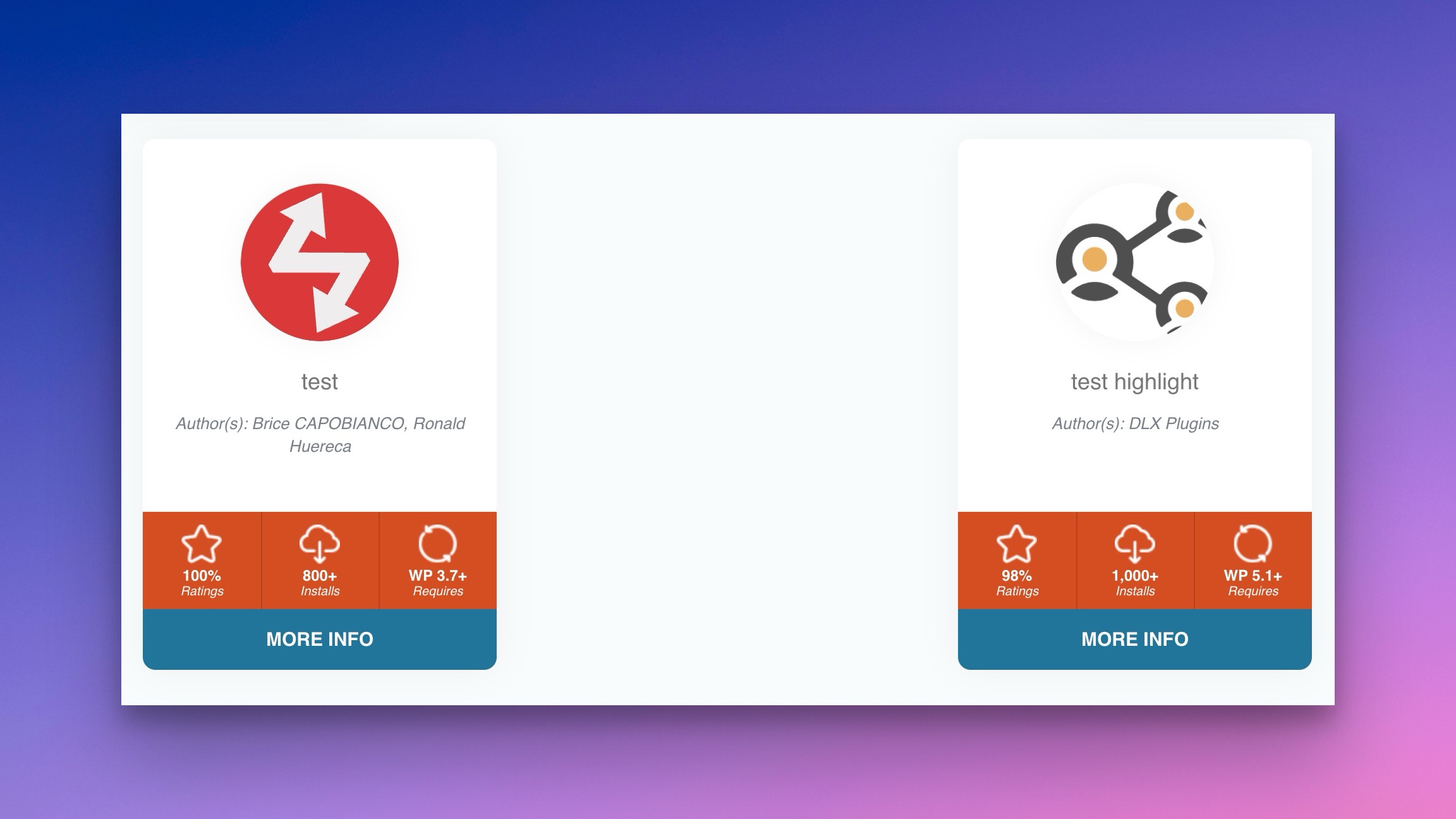
Here’s an example:
[wp-pic slug="wp-plugin-info-card,highlight-and-share" multi="true" cols="2" highlight-and-share="test highlight" wp-plugin-info-card="test"]Code language: JSON / JSON with Comments (json)You can do the same for themes:
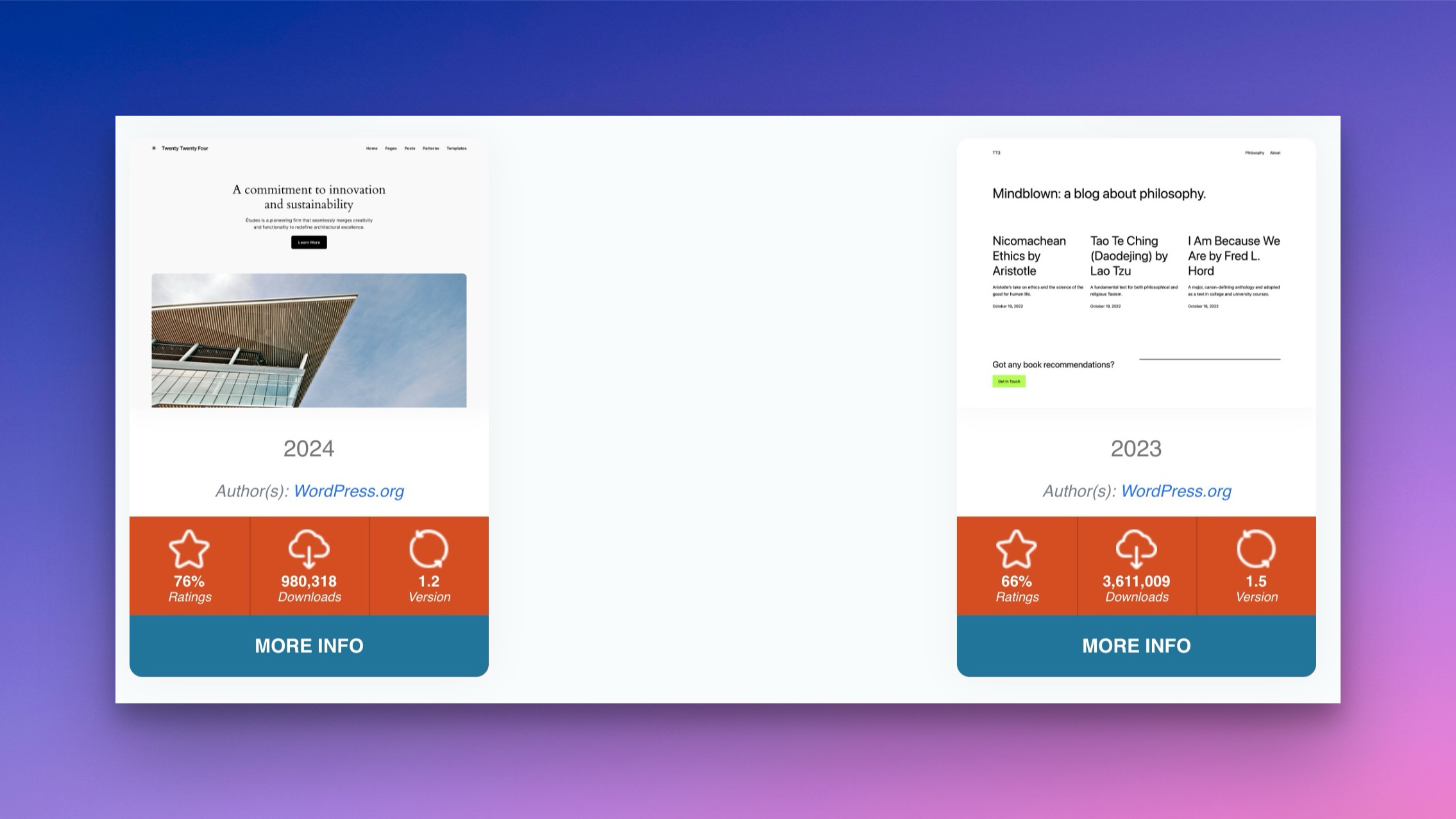
[wp-pic type="theme" slug="twentytwentyfour,twentytwentythree" multi="true" cols="2" twentytwentyfour="2024" twentytwentythree="2023"]Code language: JSON / JSON with Comments (json)marginSpacing
This can be set to improve the margin around the plugin card.
- none
- compact
- comfortable
- spacious
- extreme
marginTarget
Used to target the top, bottom, or both margins of the plugin card.
- both
- top
- bottom
multi
This must be set to true if there are multiple slugs. The following extra attributes assist in multi output:
- cols (1-3)
- col_gap – Gap in pixels between items
- row_gap – Gap in pixels between rows
[wp-pic slug="highlight-and-share,simple-comment-editing" multi="true" cols="2" col_gap="40" row_gap="40"]Code language: JSON / JSON with Comments (json)layout
Default is “card” so you may leave this parameter empty. The default layout can be set in the admin settings.
Available layouts are:
- card
- large
- flex
- wordpress
- ratings
[wp-pic slug="wp-plugin-info-card" layout="wordpress"]Code language: JSON / JSON with Comments (json)scheme
Select a card color scheme. Available schemes are scheme1 through scheme14. The default scheme can be set in the admin settings.
[wp-pic slug="wp-plugin-info-card" scheme="scheme14"]Code language: JSON / JSON with Comments (json)image
Designate an image that will take the place of a plugin’s default banner.
[wp-pic slug="wordpress-seo" image="http//www.mywebsite/custom-image.jpg"]Code language: JSON / JSON with Comments (json)align
Set the alignment of the info card. Values can be:
- center
- left
- right
containerid
Set the container ID of the plugin wrapper.
The default is: default: wp-pic-PLUGIN-SLUG.
margin
Set the margin for the info card. The default is no margin.
[wp-pic slug="wordpress-seo" align="right" margin="0 0 0 20px"]Code language: JSON / JSON with Comments (json)clear
Whether to clear the float of the container. Default is empty.
Choices are:
- below
- after
[wp-pic slug="wordpress-seo" clear="after"]Code language: JSON / JSON with Comments (json)expiration
By default, the info card are cached at 720 seconds, so as to not ping the WordPress plugin API in excess.
You can change this expiration when outputting your cards.
[wp-pic type="theme" slug="zerif-lite" expiration="60"]Code language: JSON / JSON with Comments (json)ajax
Whether to load the plugin in via Ajax.
Choices are: yes and no.
custom
Whether to output any strings associated with a plugin or theme.
For plugins: url, name, icons, banners, version, author, requires, rating, num_ratings, downloaded, last_updated, download_link
For themes: url, name, version, author, screenshot_url, rating, num_ratings, downloaded, last_updated, homepage, download_link
 wp-pic-site-plugins